
OTA updates
Only an MQTT project supports over-the-air (OTA) firmware updates. Paste firmware URL is on the menu of an MQTT project, and the phone can send the update only while it is connected to that project’s broker.

Before you start
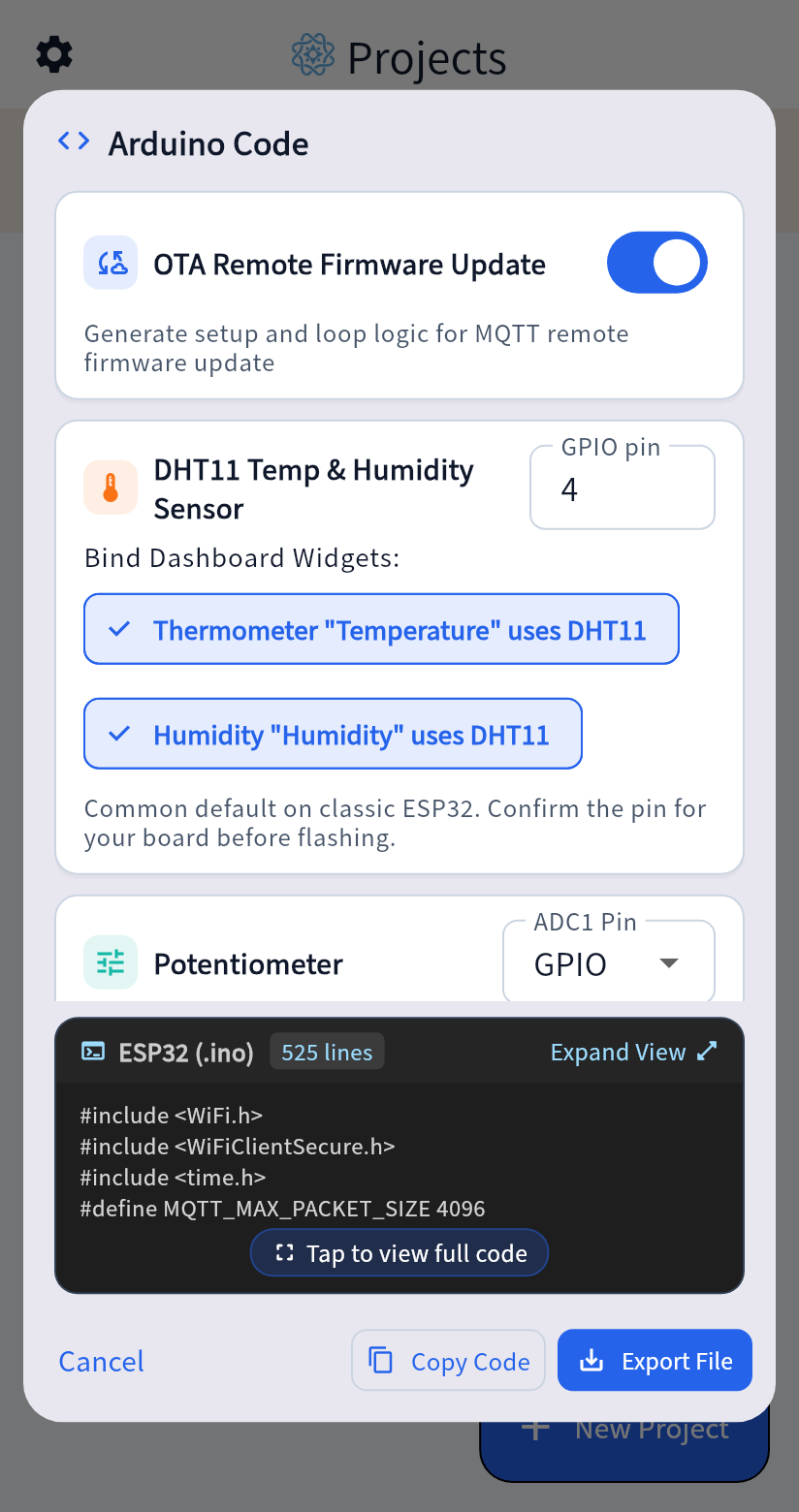
Section titled “Before you start”- Flash the OTA-enabled sketch. When you generate the sketch, enable the OTA variant and flash it to your ESP32 so the board can receive the update command.
- Host the firmware over HTTPS. Place the compiled
.binfile at your own HTTPS address and configure the matching Root CA certificate in your firmware.
Sending an update
Section titled “Sending an update”- Confirm that both the phone and the board are connected to the project’s MQTT broker.
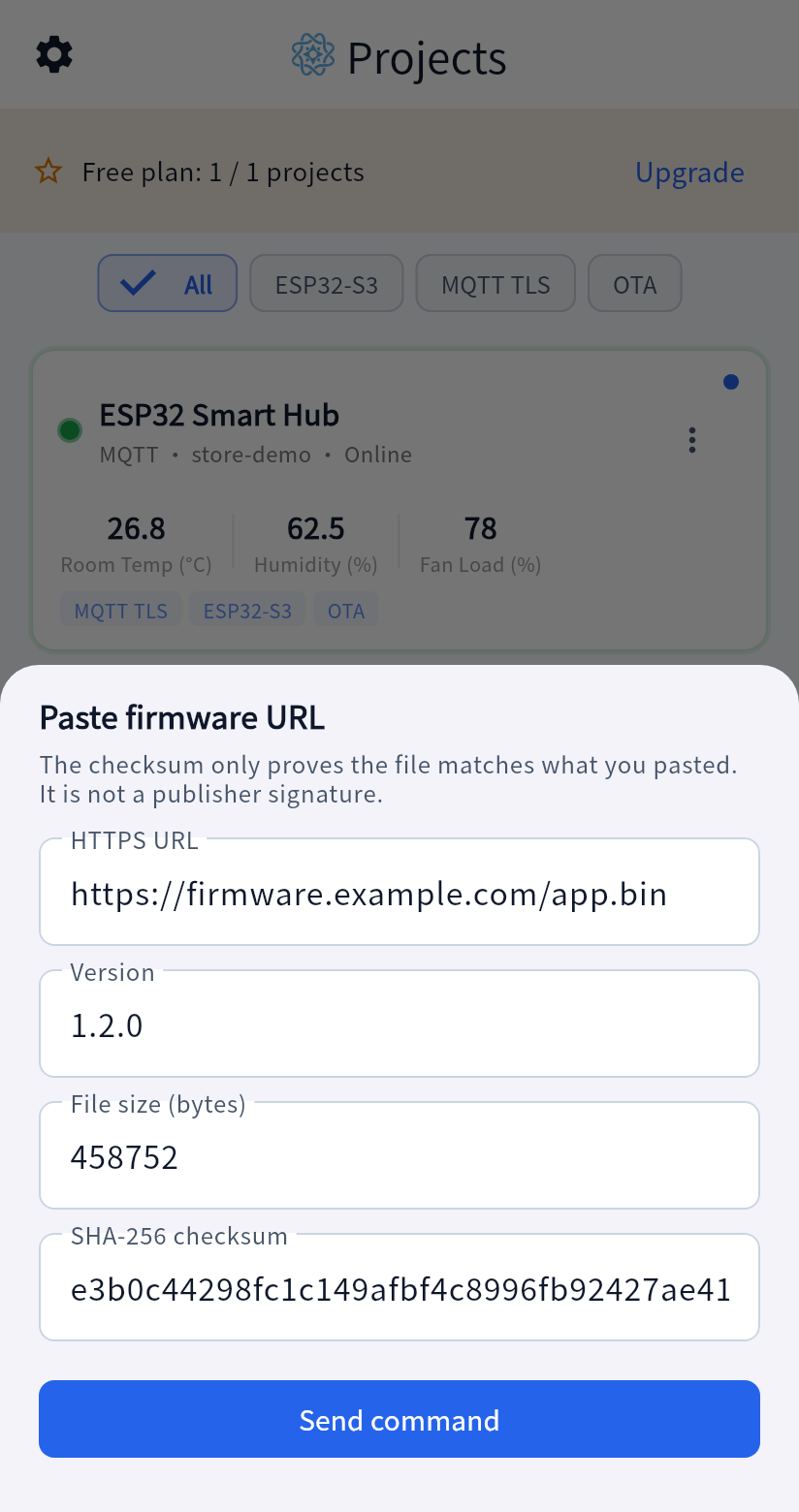
- Open Paste firmware URL from the project menu.
- Enter the HTTPS address, version, file size in bytes, and SHA-256 checksum, then send the update.
Verification and scope
Section titled “Verification and scope”The app does not download the firmware file. It sends those details over MQTT to the board, and the board downloads the file from the HTTPS URL, checks its size and SHA-256 digest, and reports progress back to the app.
The checksum confirms that the downloaded file matches the digest you supplied. It does not identify who published the file. A project handles one update at a time. For the JSON payload format, see Protocol reference.