
Protocol reference
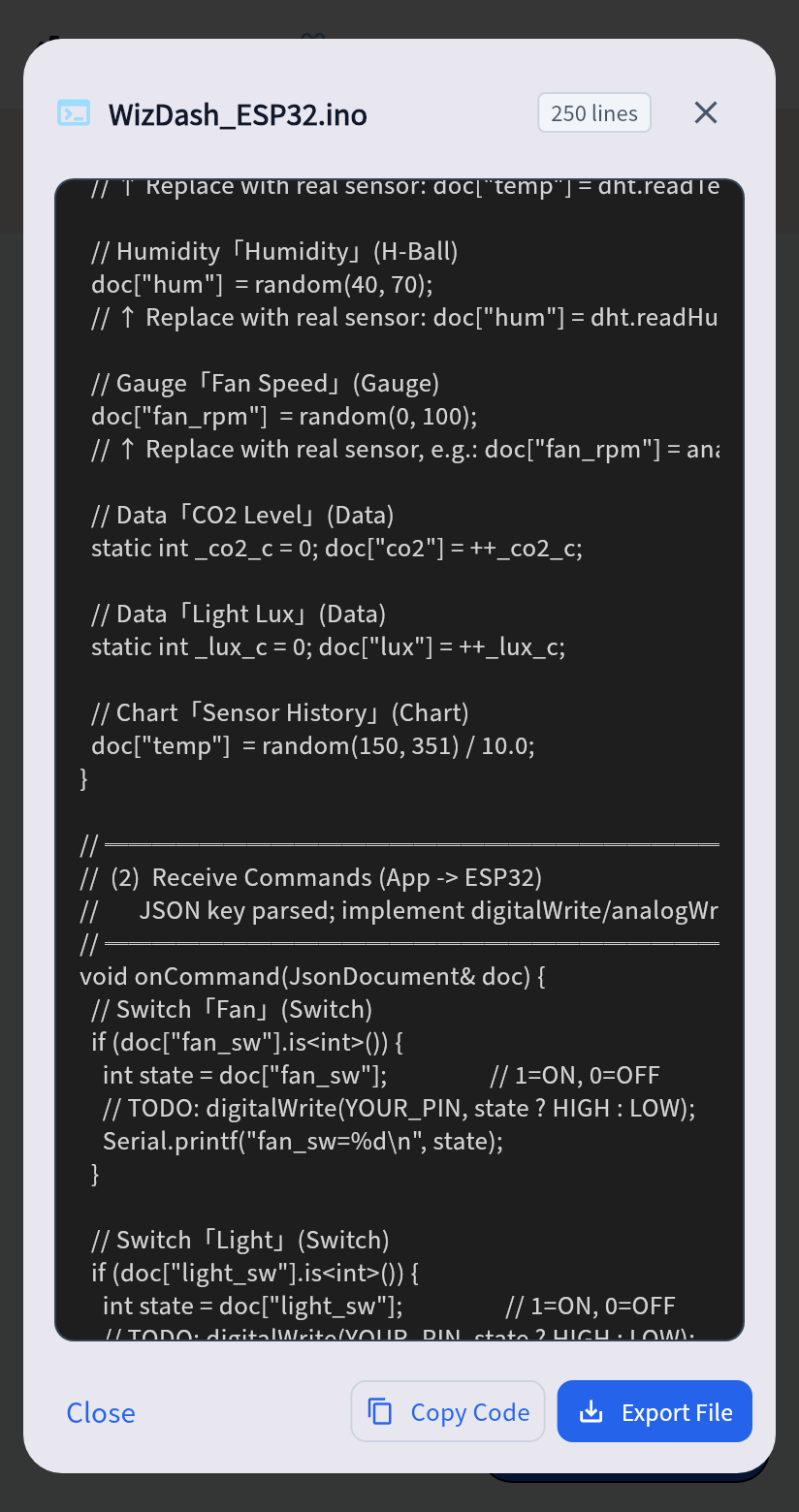
This page records the interface to follow when you write firmware yourself. A generated sketch already follows it. In most cases you can start from that sketch and skip writing the connection code yourself.

Messages
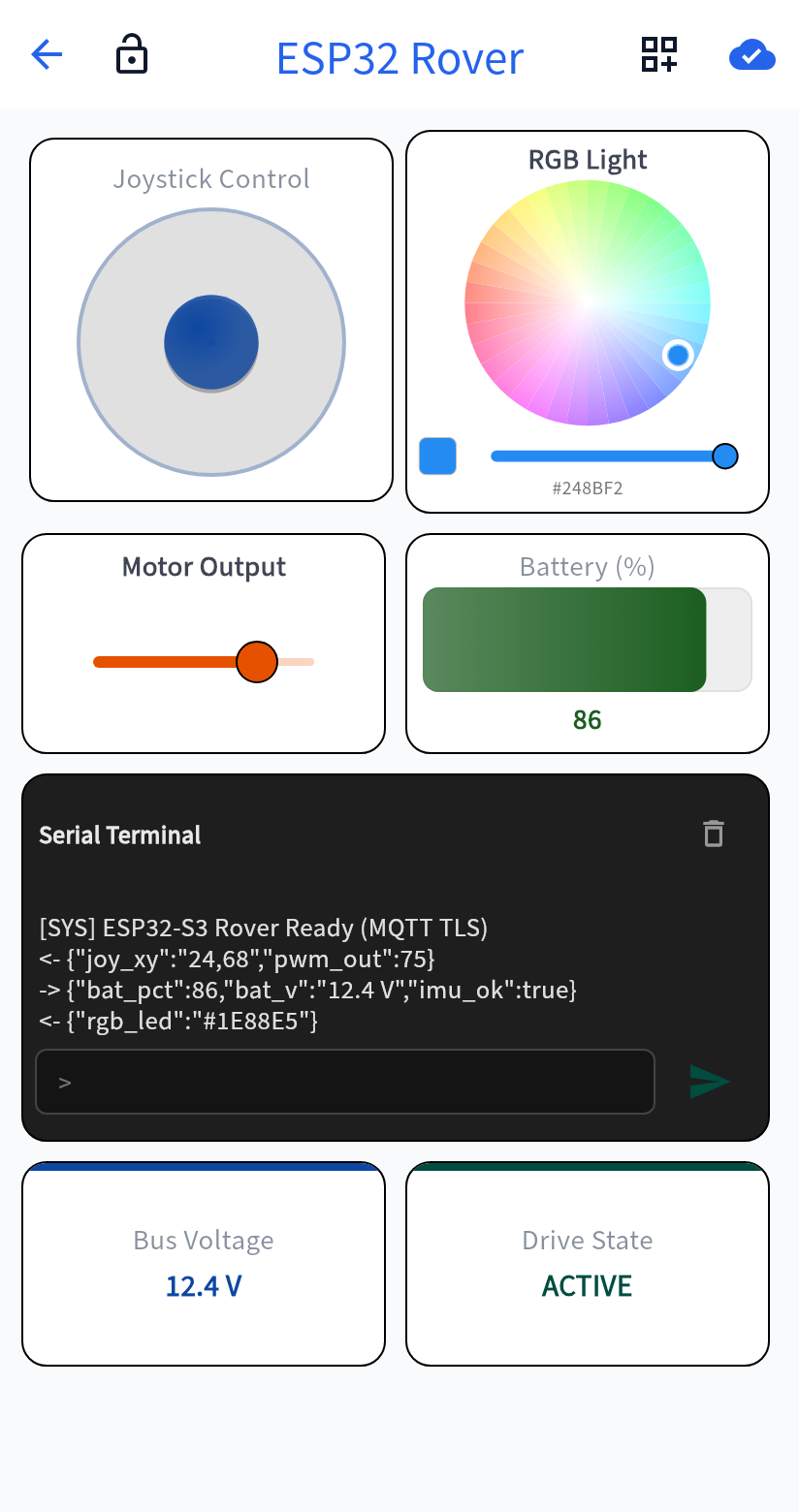
Section titled “Messages”The board sends the app one JSON object, such as {"temp": 25.4, "hum": 61, "msg": "OK"}. Sending every reading in that one message is more efficient than sending them separately.
The app sends the board one {"key": value} at a time. The value may be a number, text, or an array, such as the [x, y] sent by a joystick.
| Item | Value |
|---|---|
| Service UUID | 6E400001-B5A3-F393-E0A9-E50E24DCCA9E |
| Written by the app | 6E400002-B5A3-F393-E0A9-E50E24DCCA9E |
| Notified by the board | 6E400003-B5A3-F393-E0A9-E50E24DCCA9E |
| MTU | 512 is recommended. The default packet is 20 bytes and can cut a JSON message short. |
The board serves a WebSocket on port 81. The app looks for it on the local network with mDNS and UDP, and can also connect by IP address.
| Direction | Topic |
|---|---|
| Board to app | wizdash/{username}/{deviceId}/data |
| App to board | wizdash/{username}/{deviceId}/cmd |
When no username is set, that segment is omitted, as in wizdash/{deviceId}/data.
OTA command
Section titled “OTA command”{ "ota": { "url": "https://example.com/firmware.bin", "version": "1.0.0", "size": 123456, "checksum": "sha256:<64 hexadecimal digits>" }}The address must be HTTPS and must not contain a username or password. The size is in bytes. The app sends the checksum in lowercase. The board reports progress and the result with ota_status.